What is an AI images generator?
The technology behind AI image generators uses a technique called diffusion modeling. The model is trained on billions of images and their text descriptions, learning to understand how words connect to visual concepts — lighting, composition, style, texture, and subject matter. When you write a prompt, the AI starts with random noise and gradually refines it into a clear image matching your description.
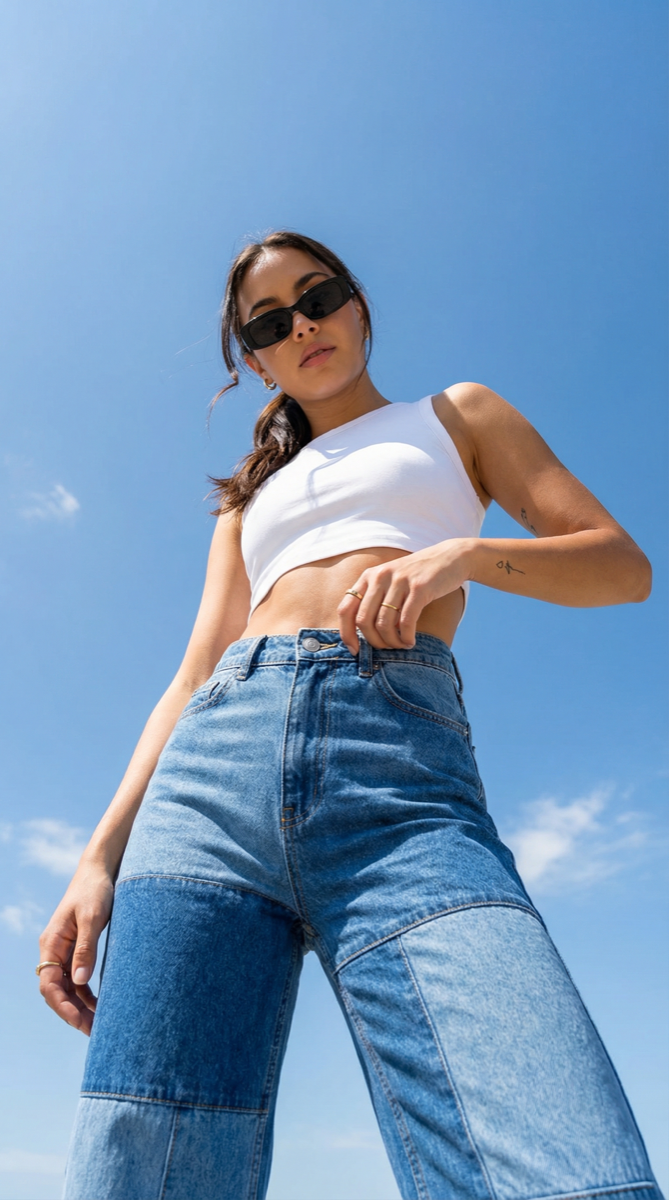
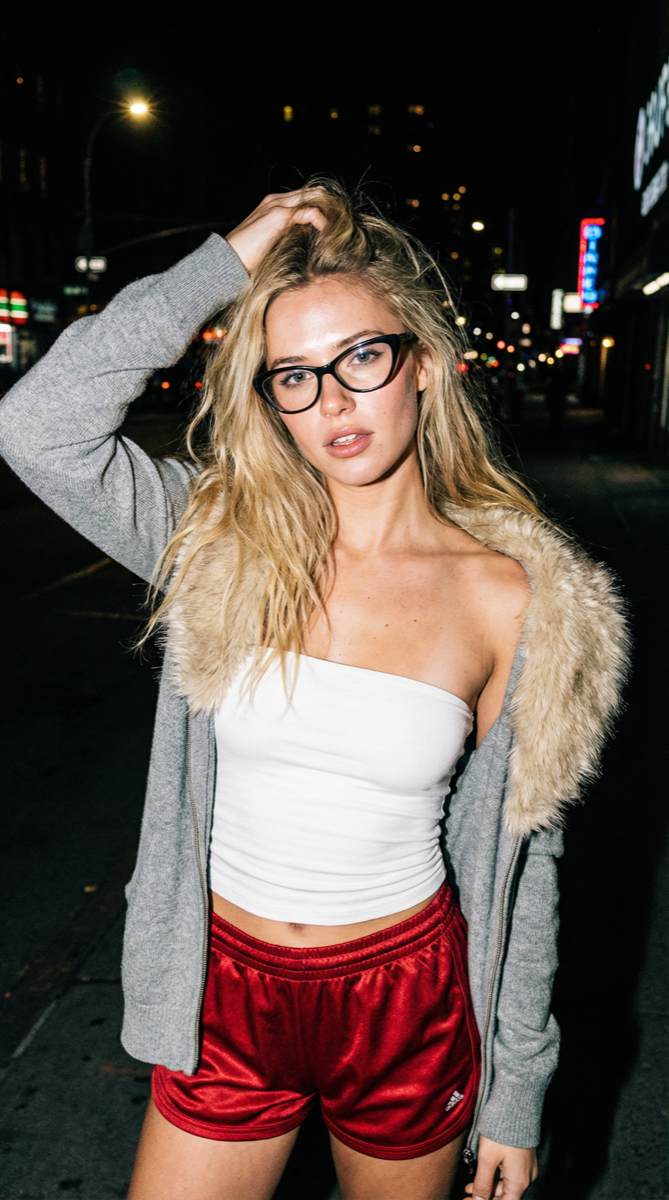
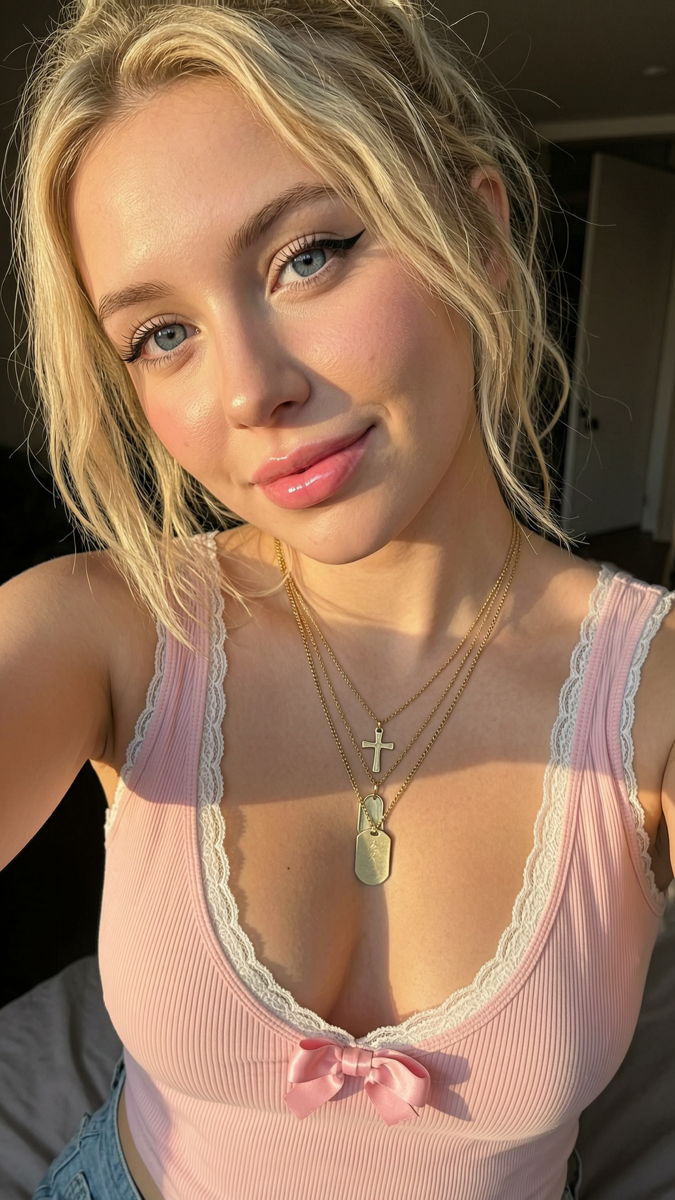
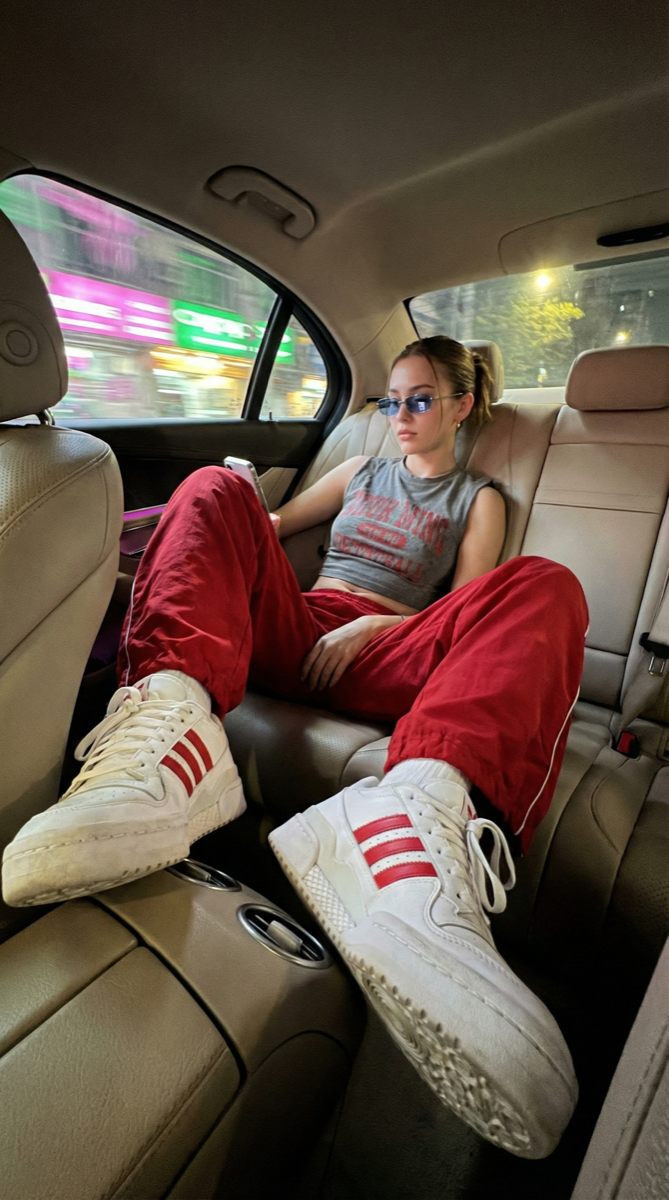
The practical result: whatever you can describe in words, AI can render as an image. A product mockup, a character portrait, an architectural render, a fantasy landscape — all from a single text prompt in seconds. Current models are detailed enough that their output is regularly used in professional marketing, advertising, and editorial contexts.
OpenMov gives you access to multiple state-of-the-art image models — Seedream 5, Nano Banana 2, Qwen Image 2.0, WAN 2.7, and more — each with different aesthetic strengths, from a single platform.
How does OpenMov's AI images generator work?
The practical impact is that what traditionally took hours with a designer or photographer now takes seconds. This democratization of visual content creation has opened new possibilities for marketing teams, content creators, and small businesses operating without in-house design resources.
Write your prompt
Describe the image you want. Include subject, style, lighting, and mood. The more specific the prompt, the more consistent the result. You can also upload a reference image to guide the generation.
Choose engine and settings
Pick your AI engine — Seedream 5 for cinematic photoreal portraits, Nano Banana 2 for precise prompt-following, WAN 2.7 for versatile output. Set the number of images (up to 100 per batch) and aspect ratio.
Generate and download
Click Generate. Images are ready in under 30 seconds. Download in full resolution, ready to publish or deliver to clients.
Ready to generate your first image? No design skills needed — just a prompt.
Start Generating →Which engine should you use?
| Engine | Best for | Output style |
|---|---|---|
| General | High quality 4K images with full control | Photorealistic |
| Seedream 5 | High quality 2K images, latest generation | Photorealistic |
| Nano Banana 2 | Fast generation up to 2K | Photorealistic |
| Qwen Image 2.0 | High quality generation up to 2K | Photorealistic |
| Qwen Image 2.0 Pro | Premium quality generation up to 2K | Photorealistic |
| WAN 2.7 | Next-gen WAN model with improved quality | Photorealistic |
| WAN 2.7 Pro | Premium WAN 2.7 with higher fidelity | Photorealistic |
Running the same prompt across multiple engines takes a few extra credits but consistently surfaces the best result for your specific subject and style. Each engine has a distinct aesthetic — testing 2-3 engines on the same prompt takes under a minute and quickly shows which one fits your visual direction.
How to write a good AI image prompt
The formula is subject + style + lighting + mood. Each part adds a layer of control — omitting any one of them leaves the model to guess, which produces inconsistent results. Below are tested prompts across different genres — click Copy to grab any of them, or hit Try to run it directly on OpenMov.
"Young woman in a linen blazer, editorial fashion photography, 85mm lens, soft overcast natural light, minimal and sophisticated, neutral tones"
"Glass perfume bottle on white marble, studio product photography, soft diffused light from left, luxury brand aesthetic, clean minimal background"
"Dense foggy forest at dawn, towering pine trees, golden rays of light breaking through morning mist, cinematic wide angle, epic atmosphere"
"Samurai warrior standing in heavy rain on a rooftop, neon-lit Tokyo skyline behind him, ultra detailed, dramatic lighting, cinematic composition"
"Minimalist living room with floor-to-ceiling windows overlooking the ocean, warm golden hour light, interior design photography, clean Scandinavian lines"
"Rustic bowl of Italian pasta with fresh basil and cherry tomatoes on a wooden table, warm golden light from the side, food photography, shallow depth of field"
Three rules that consistently improve results:
- Be specific about style. "Cinematic photography" produces a very different result from "anime illustration" — even for the same subject.
- Describe lighting explicitly. Lighting has more impact on the feel of an image than almost any other element.
- One idea per generation. Complex multi-subject prompts produce cluttered, inconsistent images. Keep each generation focused.
What can you create with an AI images generator?
Social Media Content
Generate on-brand visuals for Instagram, LinkedIn, and TikTok at scale. Turn one prompt into 100 variations in a single batch.
Product Imagery
Create lifestyle and product shots without a studio. Any background, any setting, any context — from a text description.
Character Design
Generate consistent character portraits for games, stories, and AI influencer content. Iterate on appearance with prompt variations.
Marketing & Ads
Produce ad creatives from static descriptions. Test multiple visual angles without commissioning a photographer.
Real Estate & Interior
Visualize spaces before they exist. Generate interior renders and property imagery from architectural descriptions.
Blog & Content Illustration
Stop using stock photos. Generate unique, on-topic illustrations for every article and post.