

How do AI photo generators produce realistic images?
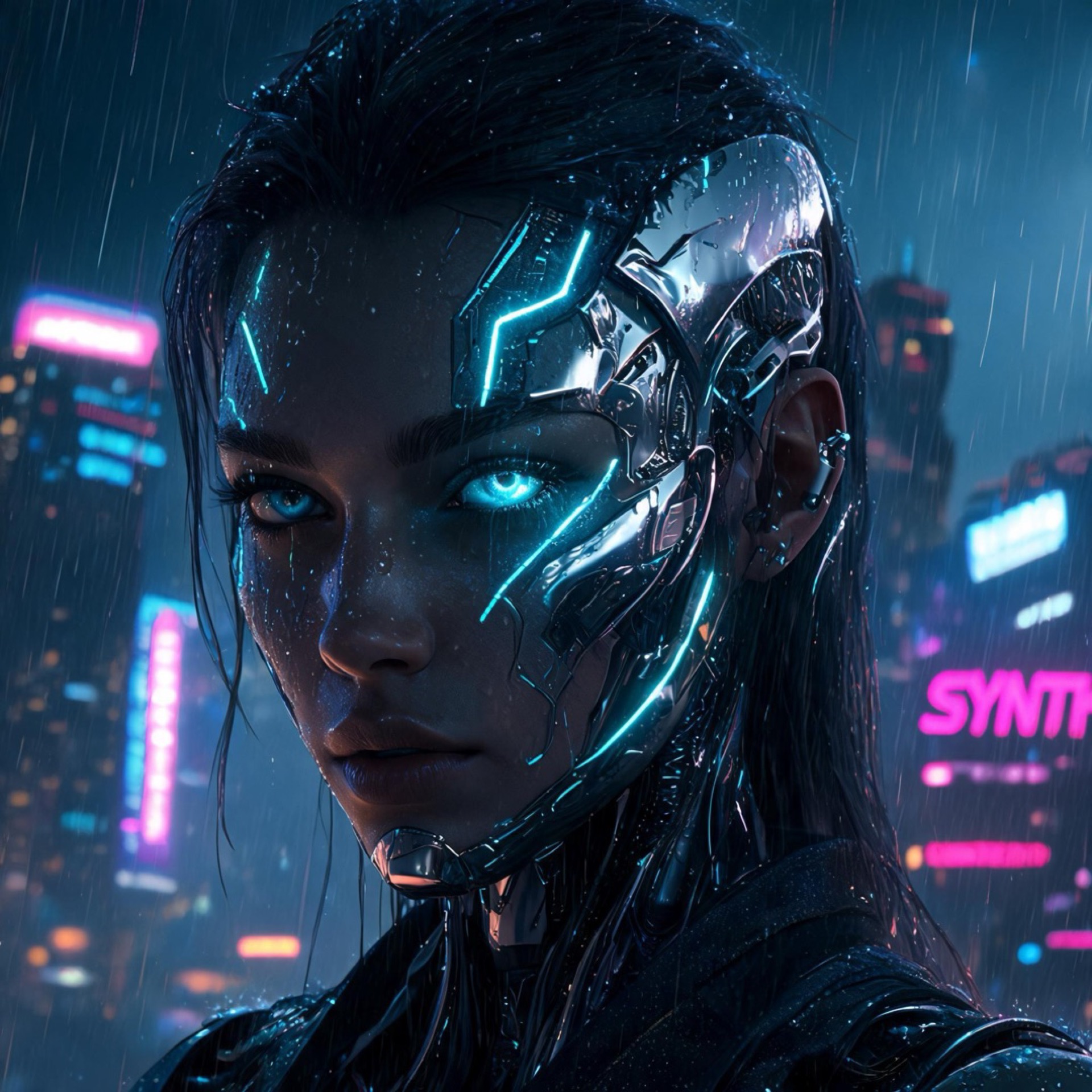
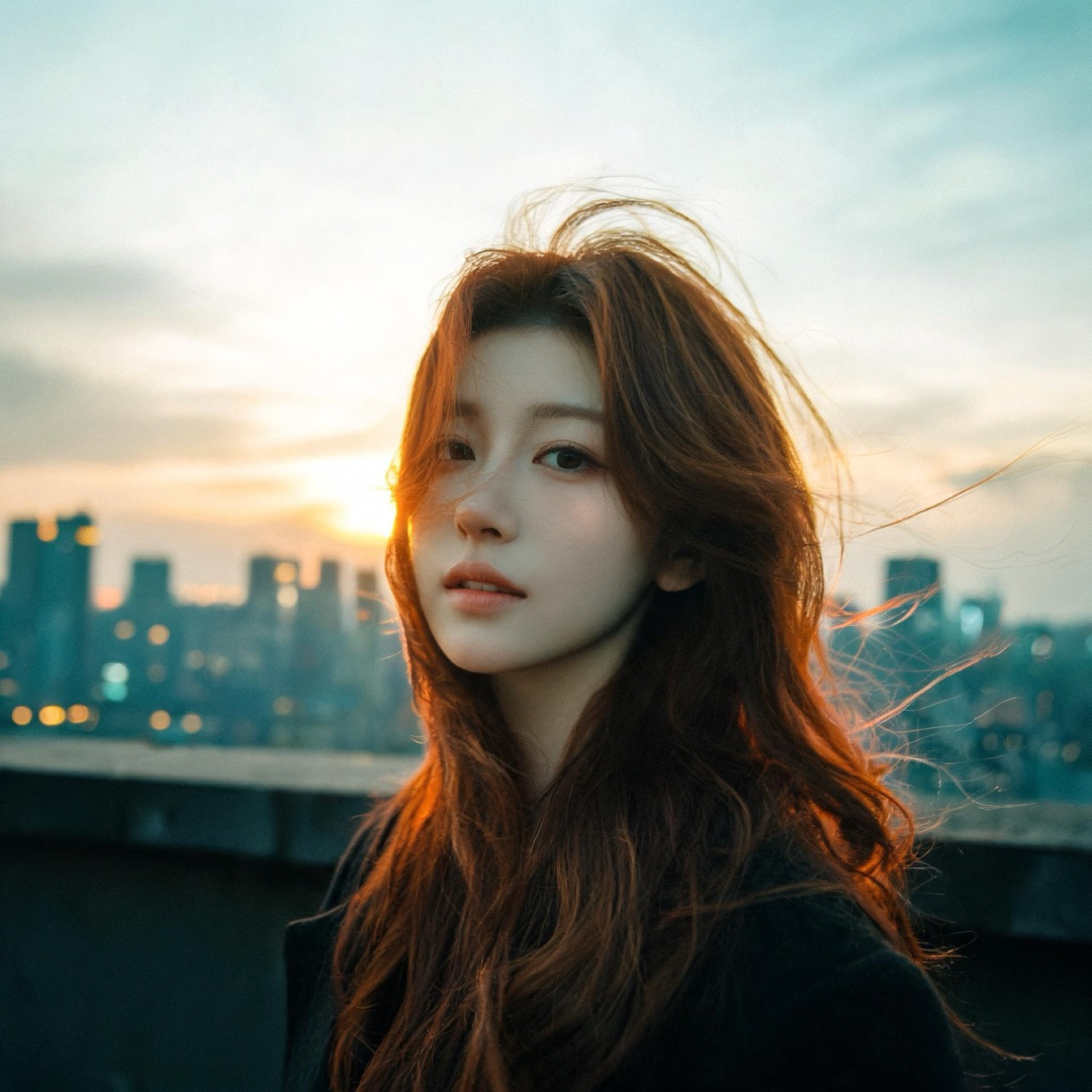
The photorealism comes from the training data. Models trained on real photography learn the statistical relationships between camera settings, lighting, subjects, and the visual output. When you prompt for a photorealistic style, the model applies those learned qualities — depth of field, grain, natural colour grading — to whatever subject you describe.
OpenMov uses multiple photorealistic engines. Seedream produces the sharpest portraits and product shots. Qwen Image 2.0 Pro handles complex multi-subject scenes. WAN delivers stylised results when you want something less strictly photographic.
What types of AI photos can you generate?
Portrait Photography
Realistic faces, natural skin, accurate lighting. Consistent character generation across multiple shots.
Product Photography
Clean studio shots, lifestyle contexts, product-on-background. Without a studio, without a photographer.
Landscape & Travel
Any location, any time of day, any weather. Generated from a description — no travel required.
Editorial & Fashion
Magazine-quality imagery from a prompt. Any model, any garment, any setting.
Ready to try it? Create on OpenMov — no experience needed.
Start on OpenMov →How do you write prompts for photorealistic AI photos?
Examples:
- "Professional headshot, 85mm portrait lens, soft studio lighting, neutral background, corporate and approachable"
- "Product photography, luxury watch on marble surface, macro lens, hard directional light, editorial style"
- "Street photography, Tokyo at night, 35mm film grain, neon reflections, candid moment"
AI photo generators vs stock photography
The practical difference is specificity and ownership. A stock photo of 'a woman using a laptop in a coffee shop' is used by thousands of brands. An AI photo generated to your exact prompt — specific demographic, specific setting, specific visual style — is unique to you.
For volume content production — social media, blog illustrations, ad variations — AI photo generation is faster and cheaper than licensing stock at scale. There are no licensing fees per use, no restrictions on what you generate, and no need to sift through thousands of near-miss results to find something close to what you need.